CSV preparation eats time
Jira's native import works best when the data is already clean and CSV-ready. Real handovers rarely are.
Upload a real Excel/XLSX workbook, choose the worksheet and header row, map columns to Jira fields, clean up messy values, validate rows and create or update only the issues you approve.
Free trial and billing are handled by Atlassian Marketplace.
Trying a new Jira import app is easier when the first real file works. During the early launch period, we help trial users prepare their first Excel-to-Jira import by email. Send a sanitized workbook, column list or screenshots, and we will help you choose the right worksheet, header row, field mapping, cleanup rules and validation approach before you import.
No video call is required. You stay in control of the import, and nothing changes in Jira until you review and confirm it in the app. Please avoid sending confidential customer data unless your organization allows it. A small anonymized sample is usually enough.
Email: support.jira@mederak.app
Watch the 2 min 30 sec demo to see the core import workflow before you install.
Full walkthrough Longer product tour for admins and evaluators who want the full setup flow.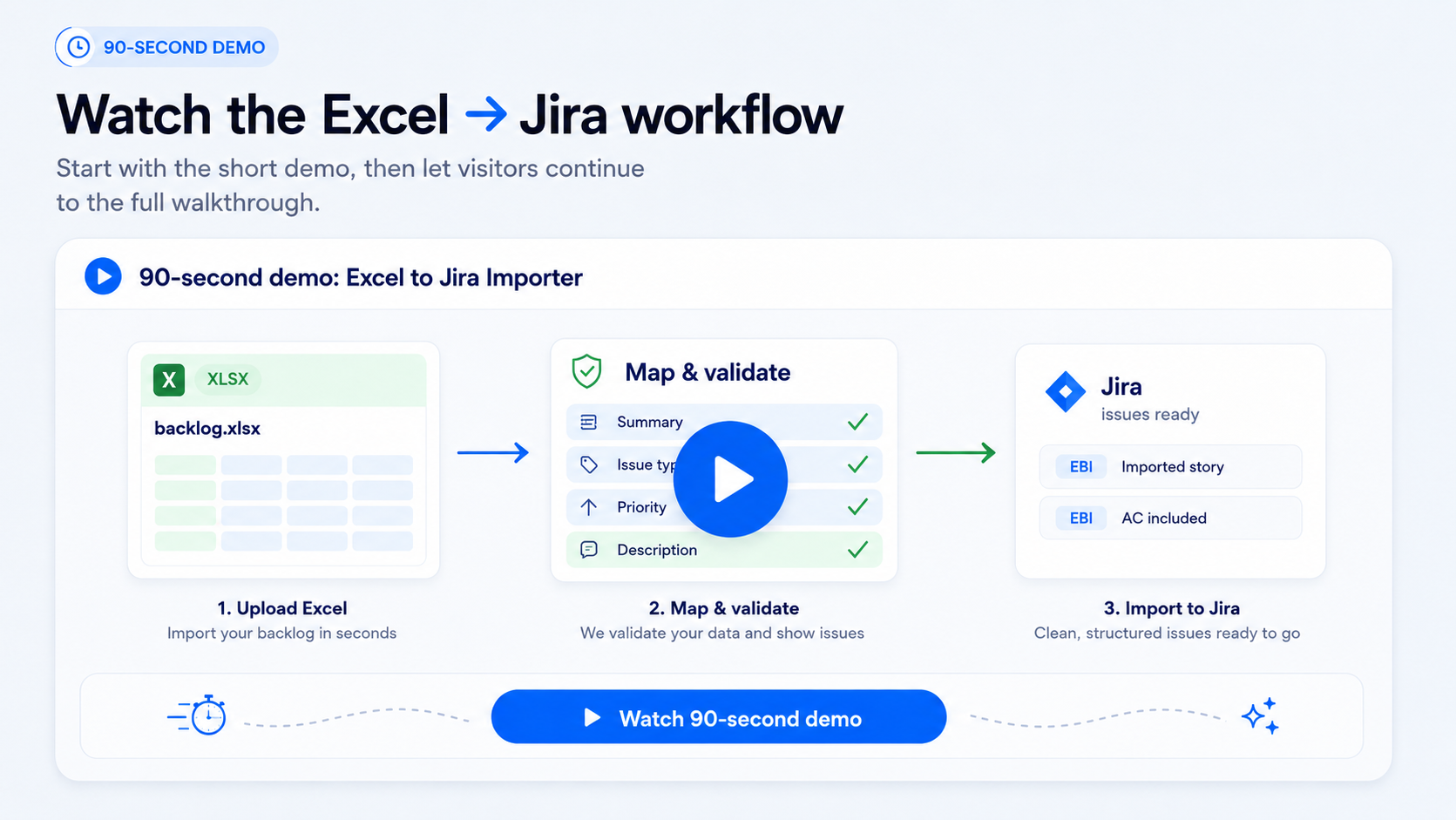
Project teams often receive scope, requirements, estimates or backlog handovers in Excel. The file may be clear enough for people, but not ready for Jira CSV import.
Before anything can be created in Jira, someone usually has to clean columns, rebuild descriptions, fix field values, preserve hierarchy, check duplicates and make sure the import will not create a mess.
Excel to Jira Importer gives teams a guided review flow before anything is created or updated in Jira.
Jira's native import works best when the data is already clean and CSV-ready. Real handovers rarely are.
Descriptions, acceptance criteria and estimates get lost or pasted into the wrong place.
Every updated Excel file can mean new duplicates, missed changes and another round of manual checking.
Use the workbook your team already receives and move it through mapping, cleanup, validation and selected-row import.
Turn an approved scope or offer spreadsheet into reviewed Jira issues without rebuilding it as CSV.
Move workshop notes, requirements, estimates and acceptance criteria from Excel into Jira fields and descriptions.
Import backlog files received from clients or external teams with mapping, cleanup and validation before creation.
When the spreadsheet comes back with changes, review updates and avoid creating duplicate Jira issues.
Use the Excel file you already have. No need to rebuild it as CSV first.
Select the worksheet and the row that contains column names.
Connect workbook columns to Jira fields and reuse mappings for repeated imports.
Combine business context, acceptance criteria, technical notes and estimates into a structured description.
Extract the useful part of a cell, remove extra text or replace workbook values with Jira-ready values.
Review required fields, value problems, hierarchy and duplicates before anything changes in Jira.
Import only the rows you approve.
Review what was created, updated, skipped or failed after the run.
Upload XLSX/XLS workbooks instead of preparing CSV files first.
Save mappings and reuse them when similar files come back.
Build Jira descriptions from multiple Excel columns.
Clean and normalize values before they become Jira field values.
Preserve backlog structure when the source file contains hierarchy hints supported by the app's setup.
Review problems before creating or updating issues.
Reduce the risk of creating the same work again when the workbook returns.
Use repeated imports to update selected Jira issues when the app can match previously imported rows.
See what was created, updated, skipped or failed after the import.
No formulas, scripts or advanced pattern knowledge required. Use simple cleanup rules to extract the part of the cell that should be sent to Jira.
Input:"Training name (*online) (22-23.07.2025)"
Imported value:"Training name (*online)"
Review current product screens for upload, setup reuse, mapping, repeated imports, validation and reporting.
Upload the workbook you already have instead of rebuilding it as CSV.
Select the sheet and header row before mapping Excel columns to Jira fields.
Restore previous mapping choices when a similar workbook comes back.
Combine multiple workbook columns into one structured Jira Description.
Choose whether repeated uploads should create missing rows, skip matches or update existing issues.
Check row-level messages and selected rows before the final import action.
Review what was created, updated, skipped or failed after the import.
Uploading an Excel file is not the same as importing it. Use the app to configure mapping, validate rows and review the result before you create or update Jira issues. Jira changes happen only after the final import action.
If this is a one-off admin-led migration and your data is already clean, CSV-ready and mapped to Jira fields, native Jira CSV import may be enough.
Use Excel to Jira Importer when the source file is a real Excel workbook, the import will repeat, values need cleanup, descriptions come from multiple columns, hierarchy matters, or the team needs review before creating Jira issues.
| Need | Jira CSV import | Excel to Jira Importer |
|---|---|---|
| Use the original workbook | Requires CSV preparation | Upload XLSX/XLS directly |
| Repeat similar imports | Reconfigure each time | Reuse saved setup |
| Build rich descriptions | Prepare text manually | Combine multiple columns |
| Clean messy values | Clean before import | Clean during setup |
| Review before changes | Admin-oriented import flow | Validate and select rows before import |
| Handle repeated files | Higher duplicate risk without separate tracking | Duplicate handling and update flow for previously imported rows |
Many project users can see the Excel-to-Jira problem, but cannot approve Marketplace apps themselves. Copy the message below and send it to your Jira admin.
Excel to Jira Importer was built by a software delivery practitioner with 20 years of experience in software-house and consulting projects. The goal is simple: reduce the manual gap between real Excel files and the reviewed Jira issues your team actually works from.
Not always. If you are doing a one-off admin-led migration with a clean CSV file, native Jira CSV import may be enough. Excel to Jira Importer is designed for real Excel files, repeated imports, value cleanup, description building, row review and safer create/update workflows.
During the early launch period, trial users can email a sanitized workbook sample, column list or screenshots and get practical guidance on worksheet selection, mapping, cleanup rules and validation approach. You still run and confirm the import in your Jira site.
Yes. Users upload a workbook, choose a sheet, map columns, clean values with simple options and review the result before importing. Advanced patterns are optional.
No. Users review mappings, cleaned values, validation results and selected rows before anything is created or updated.
Yes, when you use a repeated import mode that updates existing rows and the app can match those rows to previously imported issues.
Yes. The app supports flat imports, parent-from-column relationships and multi-column hierarchy when the workbook contains the needed structure and the Jira project configuration allows the resulting relationships.
Yes. The app is designed as an Atlassian Forge app for Jira Cloud.
The current security notes state that full Excel workbook files are not intended to be stored by the app. Saved mappings, reports and duplicate detection identities may store operational metadata needed for product features.
Trial, installation and billing are handled by Atlassian Marketplace.
Try it on the kind of workbook your team already receives: customer scope, backlog handover data, estimates, acceptance criteria or planning rows.