JQL
Use comparisons anywhere JQL is accepted
Save the query as a filter, use it on boards, add it to dashboard gadgets, reference it in reports or use it in Jira automation rules.
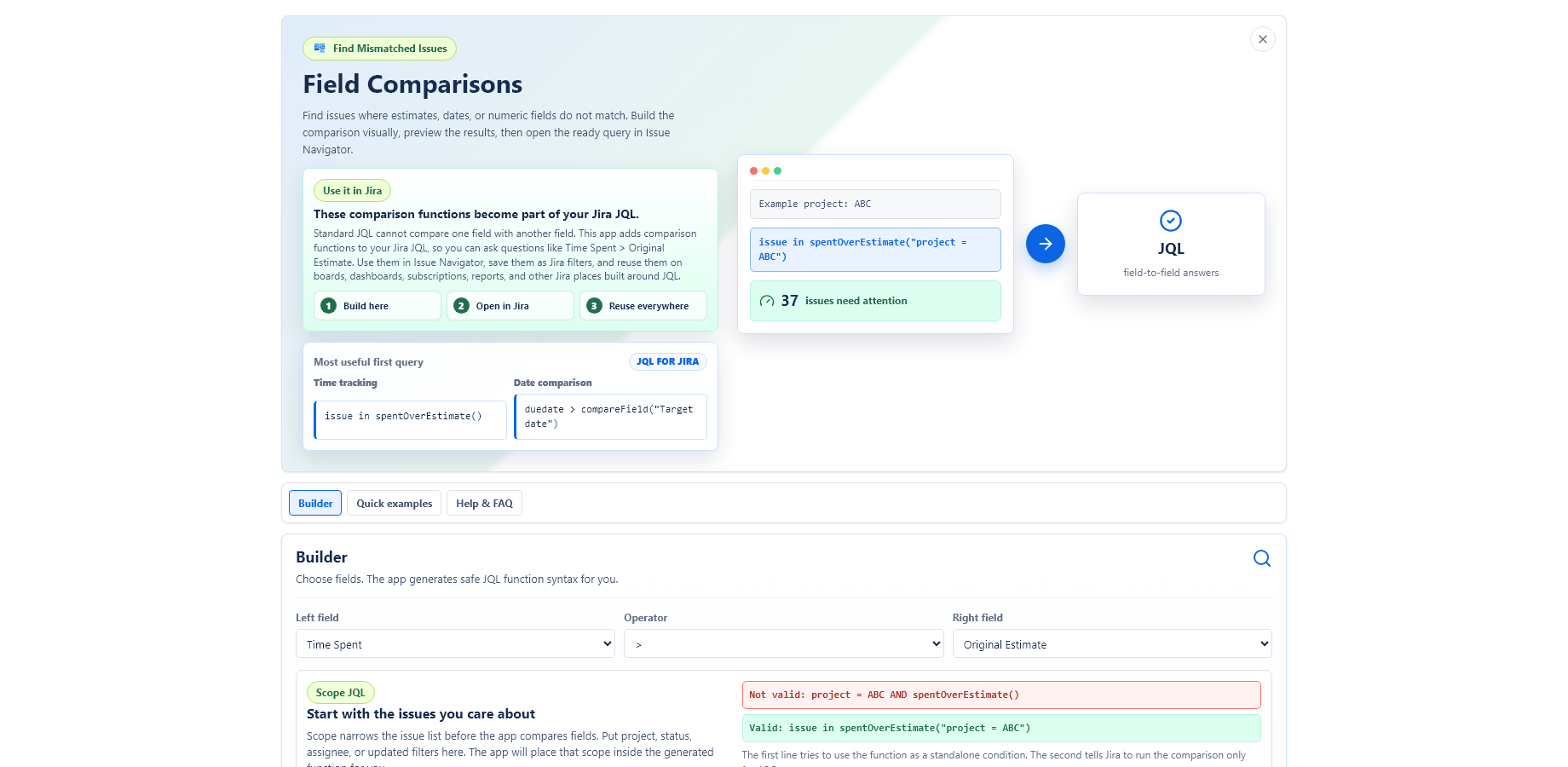
Use custom JQL functions to find issues where actual work exceeds estimates, dates slip, or numeric fields disagree. The queries work wherever Jira accepts JQL: filters, boards, dashboards, reports, automations and Issue Navigator.
Early access: contact support.jira@mederak.app from a company email address.
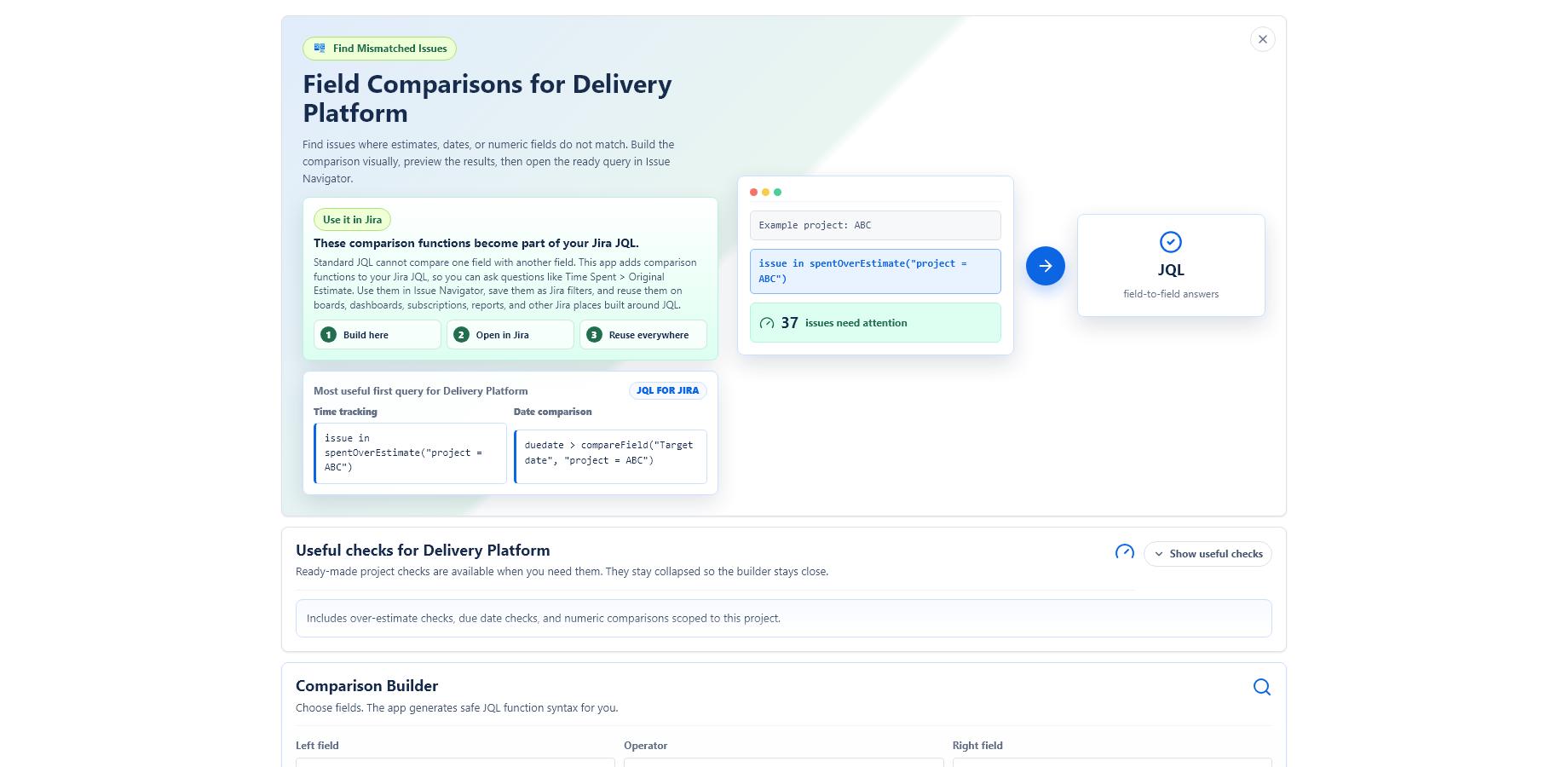
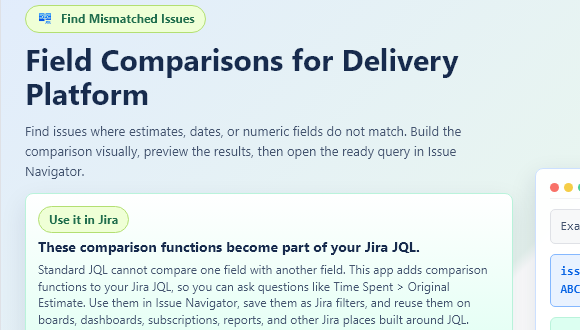
Teams often need questions like “is time spent greater than original estimate?” or “is due date later than target date?”. JQL Compare Fields adds functions for those searches, so the result stays usable inside normal Jira views and workflows.
Save the query as a filter, use it on boards, add it to dashboard gadgets, reference it in reports or use it in Jira automation rules.
Use operators such as >, >=, = and != across dates, numbers and durations.
Compare supported custom date, datetime and numeric fields by name or field ID.
The app extends Jira search with reusable functions. Project checks and the visual builder help users create valid JQL, but the JQL itself is the portable output.
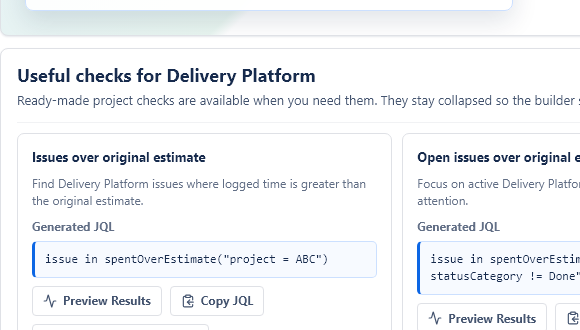
spentOverEstimate()Find issues where logged time is greater than the original estimate.
compareField()Compare the field on the left side of a JQL expression with another Jira field.
compareFields()Compare two named fields and return matching issues with one function call.
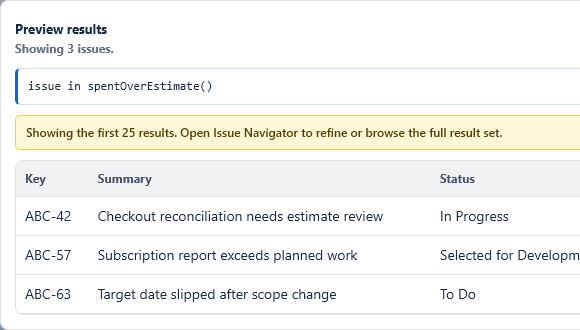
Use the UI to create and preview syntax, then use the generated JQL wherever Jira accepts it.
Use the function syntax by hand, start from a project quick check, or preview matching issues before reusing the query in Jira filters and dashboards.
| Question | Generated JQL example | Use case |
|---|---|---|
| Which issues are over estimate? | issue in spentOverEstimate() | Quick delivery review. |
| Which open project issues are over estimate? | issue in spentOverEstimate("project = ABC AND statusCategory != Done") | Focused project cleanup. |
| Which due dates slipped past target date? | duedate > compareField("Target date", "project = ABC") | Schedule control. |
| Which numeric fields do not match? | issue in compareFields("Story Points", ">", "Planned Points", "project = ABC") | Planning consistency. |
Not yet. The listing is being prepared for Atlassian review. For early access, contact support.jira@mederak.app from a company email address.
No. The app is designed around search and comparison. It does not request issue write permissions.
Use it anywhere Jira accepts normal JQL, including Issue Navigator, saved filters, boards, dashboard gadgets and automation features that run JQL.
Scoped searches are faster and clearer, especially on larger Jira sites. Start with a project, status or updated range.
Use early access while the Marketplace listing is under review. Please contact from a company email address and include your Jira use case.